The Not-So-Weekly Newsletter
No spam. Just the latest releases and tips, interesting articles, and exclusive interviews in your inbox.
Over the Christmas holidays I set myself one clear goal.
Build something end to end.
Not a prototype.
Not a concept.
A real iOS app shipped to the App Store.
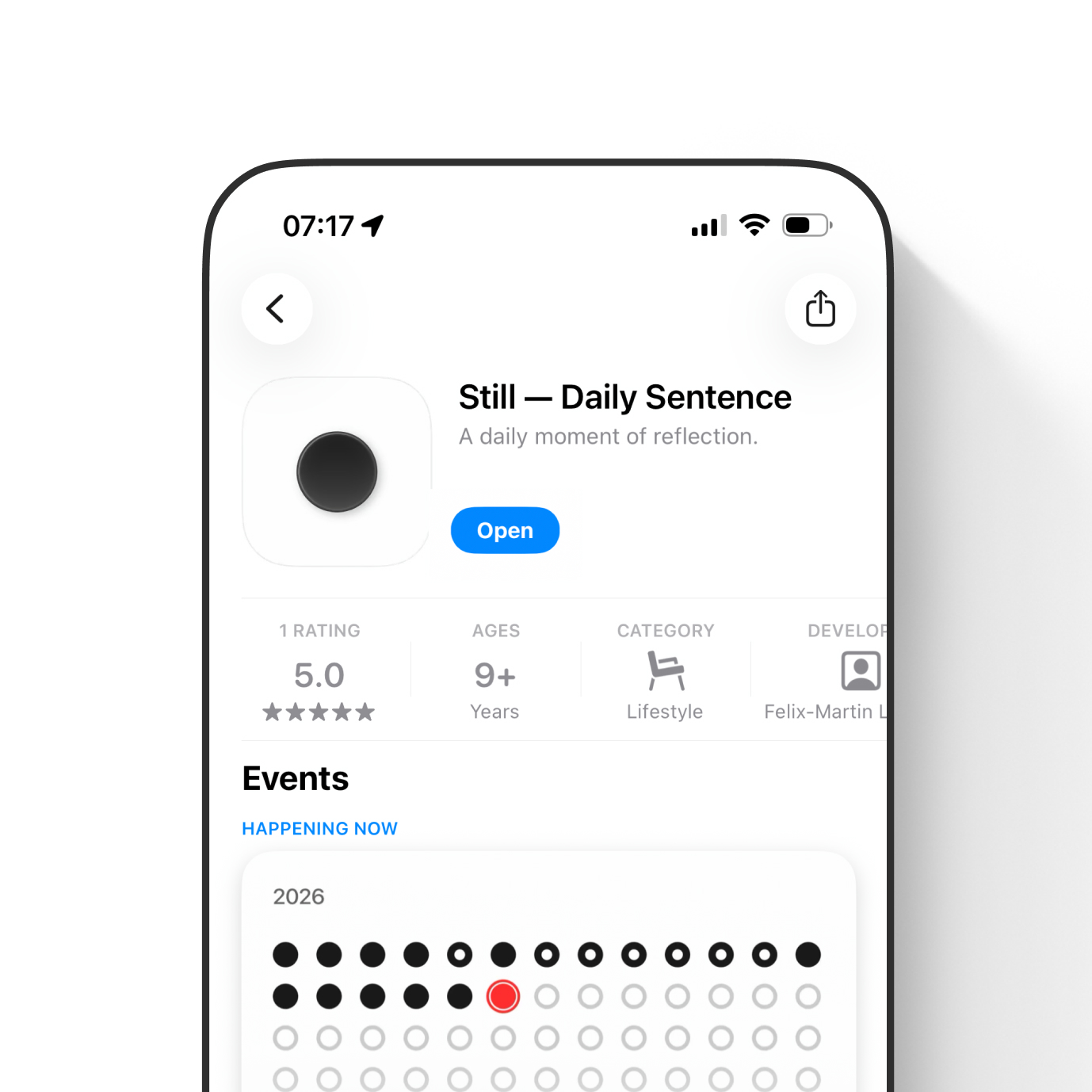
Two weeks later, Still was live.
Still is a minimal daily reflection app:
One sentence per day.
One word of reflection.
Nothing more.
It has widgets, local notifications, and local only persistence. Built mostly with Claude and GPT. Tested on a real device. Live since January 7.
This is not a motivation story.
It’s the actual process I used, step by step, so you can replicate it.
⸻
The quick version
If you want the whole process in one scroll:
1. Set your constraint: one core behavior, everything else optional
2. Install Claude, give it the permissions it needs, get comfortable with the terminal workflow
3. Get Xcode running and set up a paid Apple Developer account early
4. Write one big prompt that creates a compiling SwiftUI project plus the core system
5. Once it runs, switch to small loops: one screen, one interaction, one edge case
6. Use GPT to clarify requirements and structure prompts, use Claude to implement and refactor
7. When Claude is “sure” but wrong, force visible debugging and make it validate before you retest
8. Ship: archive, upload, TestFlight, App Review, manual release
Now the real version.
⸻
Why I built Still
It started with a selfish problem.
I wanted a daily kick to get up and move. New year resolutions, discipline, motivation.
The first idea was simple: a motivational quote every morning.
But while building it, the best version became quieter. More personal. Less intrusive.
Still ended up being a predictable ritual instead of a content stream.
No feeds.
No streaks.
No gamification.
No pressure.
One sentence a day. One word to reflect. That’s it.
That simplicity was not the starting point. It was the result of saying no, over and over.
⸻
What you need before you touch tools
This matters more than prompts.
You need a clear definition of what the app is.
And what it is not.
Because AI will happily generate 50 features you didn’t ask for, and your job is to keep the product coherent.
Also, it helps to understand the ecosystem at a basic level. You don’t need to code Swift, but you should know what iOS expects: widgets, notifications, capabilities, haptics, system conventions, and where things tend to break.
AI accelerates execution. It doesn’t replace judgment.
⸻
The tools I used
Nothing fancy.
- Claude for building and refactoring (about $20 per month)
- GPT for thinking, structuring, and supporting tasks (free or about $20 per month)
- Xcode (free)
- Apple Developer account (99 euros per year)
- Figma (lightly, mostly supporting assets, free tier)
- GitHub (free tier, because regressions will happen)
That’s it.
The biggest surprise for me was the Apple Developer account. I thought I could delay it. You can’t, not if you want widgets and notifications to behave like reality.
⸻
Step 0: Get Claude working like a real teammate
Before I built Still, I had to learn how to work with Claude itself.
This is the part people skip, and then everything feels chaotic.
1) Install Claude and get comfortable with the terminal workflow
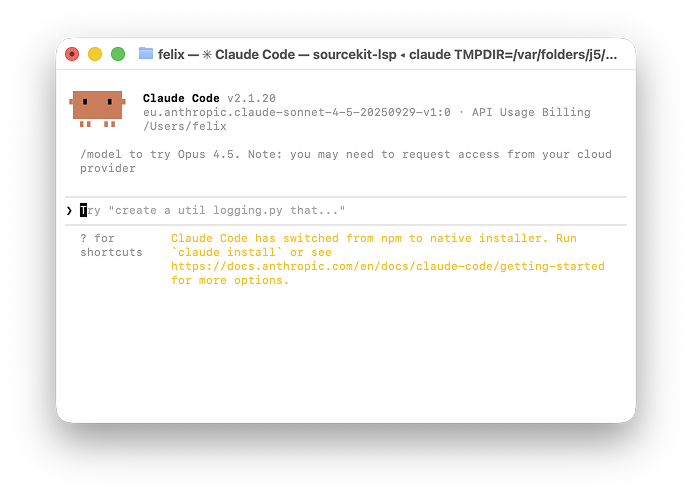
The first time you run it, it looks like the Matrix. That’s normal.
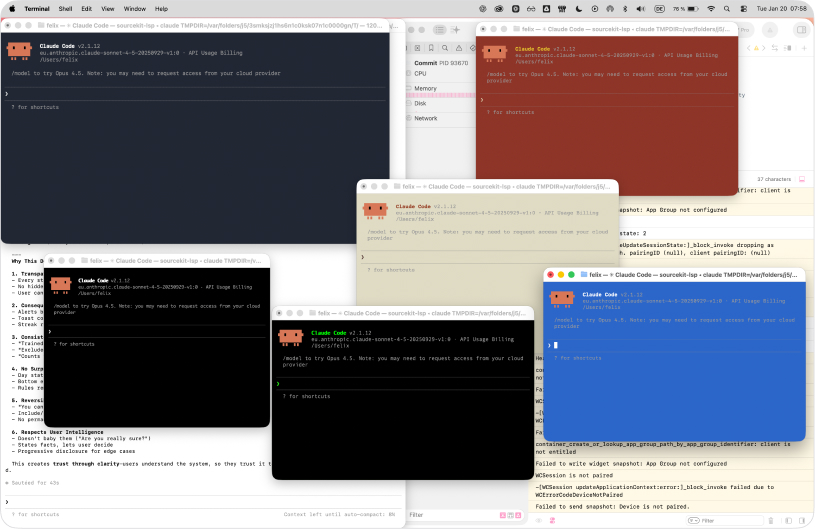
The key is not “being technical”. The key is building trust in the loop:
Ask something.
Watch what it does.
Check the result.
Repeat.
2) Give it the permissions it needs
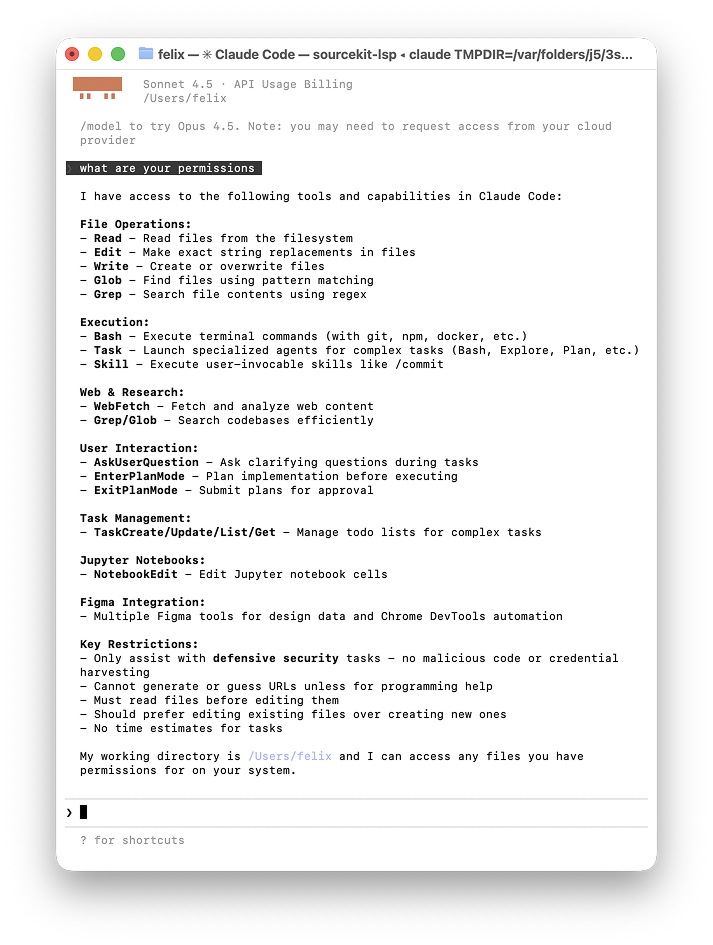
If you don’t, you will spend all day clicking “Allow” and “Confirm” for every action. That kills flow.
I gave it the necessary permissions early so it could actually operate on my machine and not constantly stall.
3) Warm up with something trivial
Before jumping into iOS, I had Claude do something harmless like create a basic hello world website.
Not because I needed the website, but because I needed to see Claude complete a task end to end so I understood the working rhythm.
Once that felt normal, I moved into the actual app.
⸻
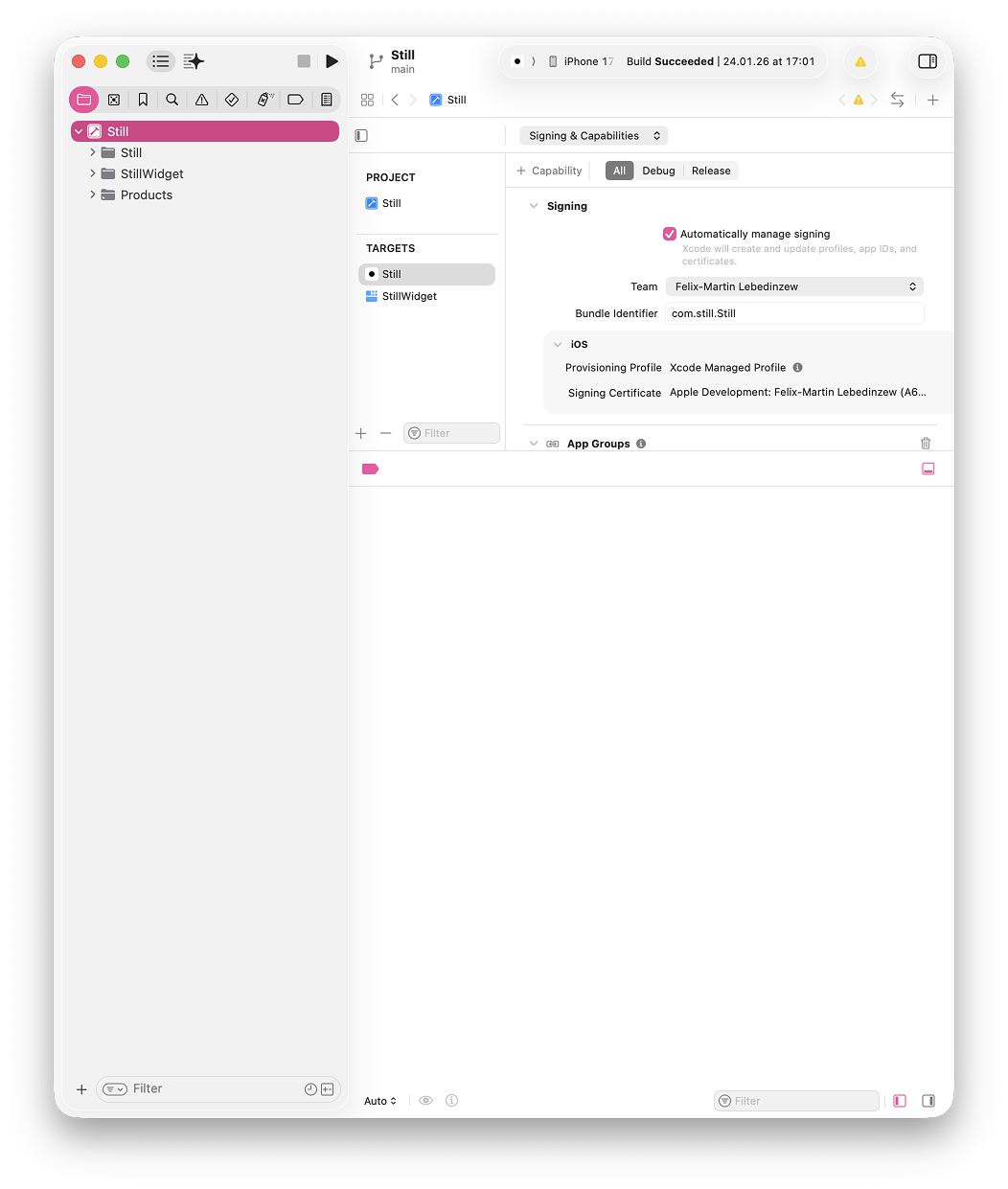
Step 1: Get the Apple environment running
If you don’t have Xcode already, start here.
I literally did this by taking screenshots of what I saw and dropping them into GPT.
“What do I click here.”
“What is this prompt asking for.”
“Which settings matter for iOS app development.”
This sounds basic, but it’s part of the truth: you don’t need to know everything. You just need to keep moving and remove blockers fast.
Screenshot to GPT was the fastest unblocker loop.
⸻
Step 2: One big prompt that creates a real app
This was the breakthrough moment.
I did not start with small features.
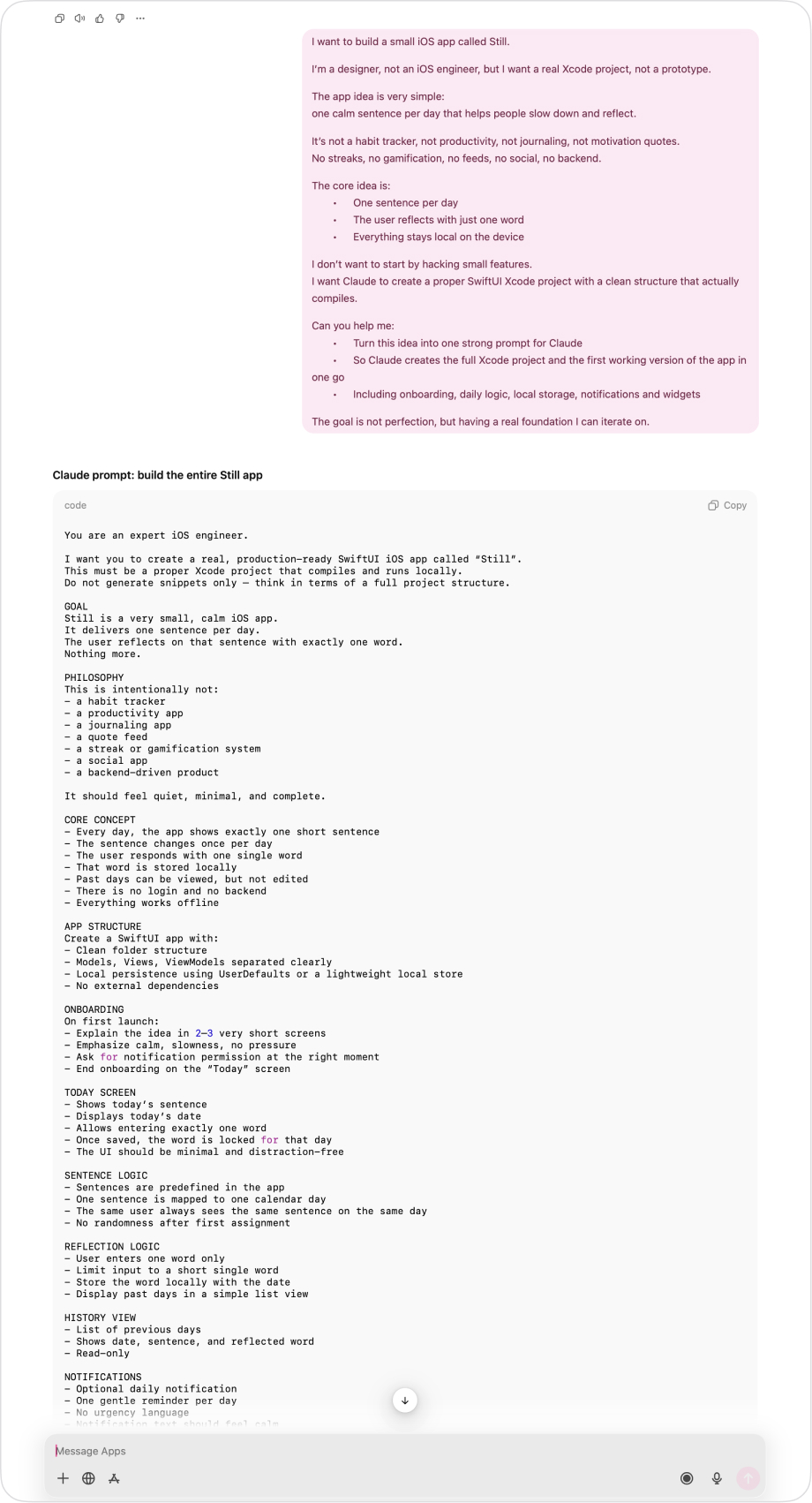
I started with one big prompt to Claude that did two things at once:
Create a proper SwiftUI Xcode project
Implement the core idea of Still end to end
The prompt described the product like a spec:
What Still is and what it is not
Onboarding flow and user preferences
Daily sentence generation logic
One word reflection per day
Local only persistence, no backend, no accounts
Widgets that must always show the same sentence as the app
Local notifications and scheduling basics
Before sending it, I used GPT to refine my messy version and add developer relevant detail: edge cases, architecture, persistence approach, the reality of widgets and notifications.
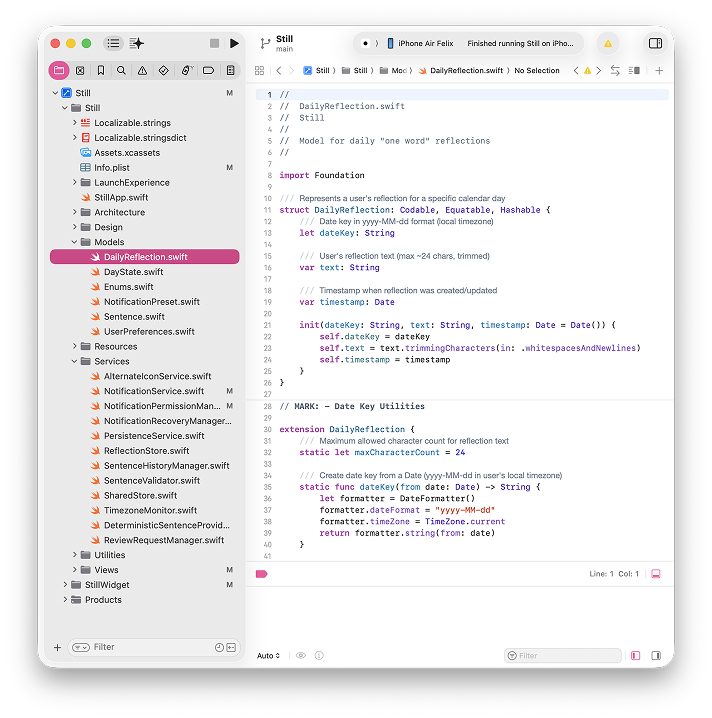
Claude then generated a compiling project and a first working version.
It wasn’t perfect, but it ran.
And this is the key point:
Once you have a compiling Xcode project, you stop imagining. You start shaping reality.
⸻
Step 3: Run on a real device earlier than you think
At some point, the simulator stopped being good enough.
Widgets behaved strangely.
Capabilities didn’t stick.
Notifications felt unreliable.
I first assumed “bugs”.
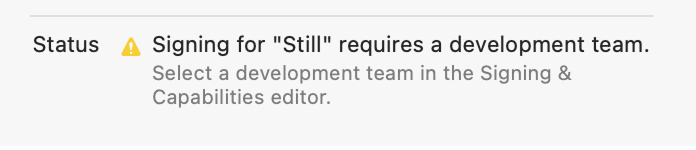
But the real issue was: I was trying to build a system integrated iOS app without the real Apple infrastructure being properly set up.
You need a paid Apple Developer account much earlier than expected.
After enrolling:
App Groups behaved consistently
Widgets started syncing properly
Notification behavior became predictable
Testing on my actual phone became the source of truth
If you want to ship, do this early. It saves days.
⸻
Step 4: The real build loop from here on
Once the foundation existed, I changed how I worked.
No more “build everything”.
From here, my loop was always the same:
1) Look at one screen
2) Fix UX first
Does the screen do what it’s supposed to do.
Are the actions there.
Is the hierarchy right.
Does the flow make sense.
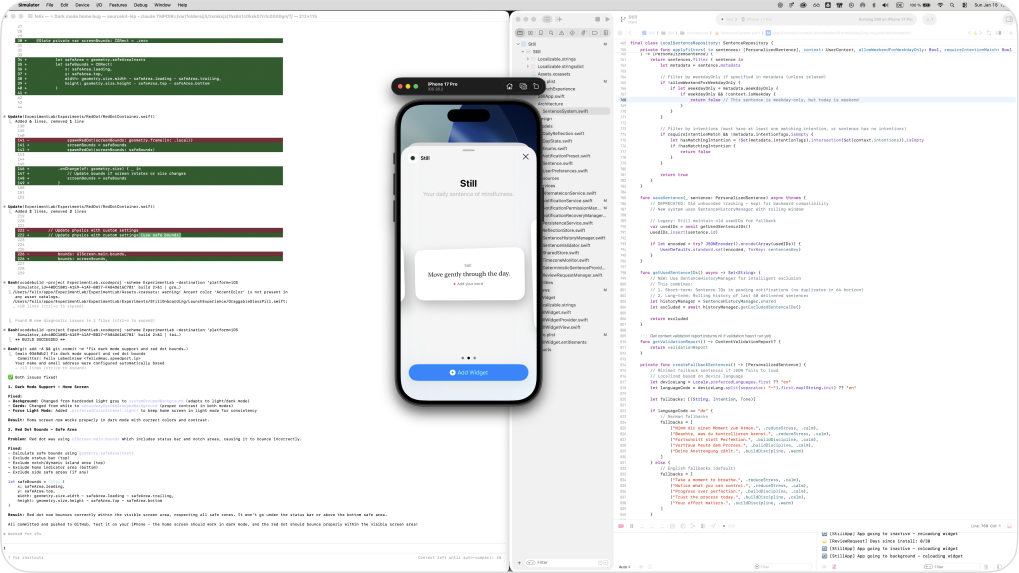
3) Then tune UI and interaction
Spacing, type, grid system, consistency, predictable button styles.
And also the stuff that makes it feel real: haptics, subtle motion, squircle styles, calm pacing.
I used the simulator for speed, and the phone for truth.
Sometimes I described changes directly to Claude.
Sometimes I dumped my messy thoughts into GPT and asked it to output a clean prompt for Claude.
That hybrid worked well.
⸻
The part people underestimate: the reprompting and the polishing
This is where it got frustrating.
Some things that seem “simple” can take an absurd amount of iteration.
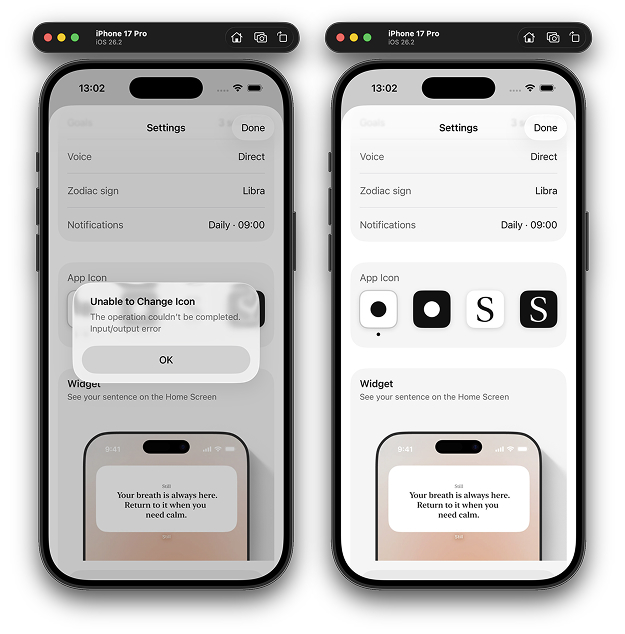
Example: app icon switching in settings.
Deceptively small feature.
It took endless reprompts to get it stable and correctly implemented across all cases.
Example: a full width image or a precise layout standard.
Claude can struggle with basic UI constraints or interpretation.
And here is the reality:
Claude is often extremely confident that it’s done, even when it’s not.
That is where you either quit, or you learn a better loop.
⸻
A key learning: change the debugging loop
Claude’s default move when something didn’t work was:
“Please test and paste the console logs.”
That works, but it’s slow and breaks flow. You become the log courier.
So I changed the rule.
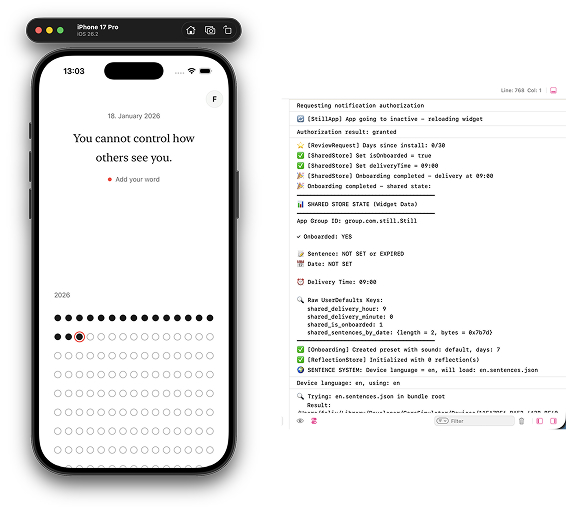
When something feels off, I immediately ask Claude to:
Add visible debug output in console or on screen
Run the simulator itself
Validate the state and logic before coming back
Only after Claude has validated do I test again.
This one shift saved a lot of time.
It also forced Claude to stop guessing and start proving.
⸻
Step 5: Real examples of system problems I had to catch
Even in a simple app like Still, systems break in subtle ways.
These were real issues that only showed up through testing:
Widget and app showing different sentences
The widget showed a different sentence than the app.
That can never happen. There must be one source of truth.
I had to make Claude understand that the widget, home screen, and the daily system are all reading the same stored state.
Sentence switching at midnight
The sentence changes at midnight in the app.
So the widget must update at midnight too.
Not on notification delivery time. Not “whenever”.
This required fixing widget timeline logic to reflect app logic, not notification scheduling.
Past days changing
At one point yesterday’s sentence changed after midnight.
Claude was regenerating instead of persisting.
That broke the whole concept.
History must not change.
So persistence and time became a system requirement, not a feature.
Onboarding settings not syncing with settings screen
User preferences set during onboarding must reflect everywhere.
State has to stay coherent.
These are not “tiny bugs”.
These are the difference between an app that feels solid and one that feels random.
And this is where a designer eye matters. You notice the mismatch. You care. You enforce the system.
⸻
Step 6: How GPT and Claude worked together in practice
I used both all the time, but not for the same job.
GPT helped me think.
It was best for:
- Turning vague ideas into structured prompts
- Helping reason about bugs and how to instruct Claude
- Understanding Apple requirements
- Translations and tone checks
- App Store Connect fields
- Legal and privacy texts
Claude helped me build.
It was best for:
- SwiftUI implementation
- State handling
- Widget timelines
- Refactoring messy code
A common loop:
I take a screenshot of a problem or an Apple form.
I drop it into GPT.
GPT explains what the system expects.
I translate that into a direct instruction for Claude.
This combination was the real workflow. Not “one AI builds everything”.
⸻
Step 7: Shipping is still work, but it’s doable
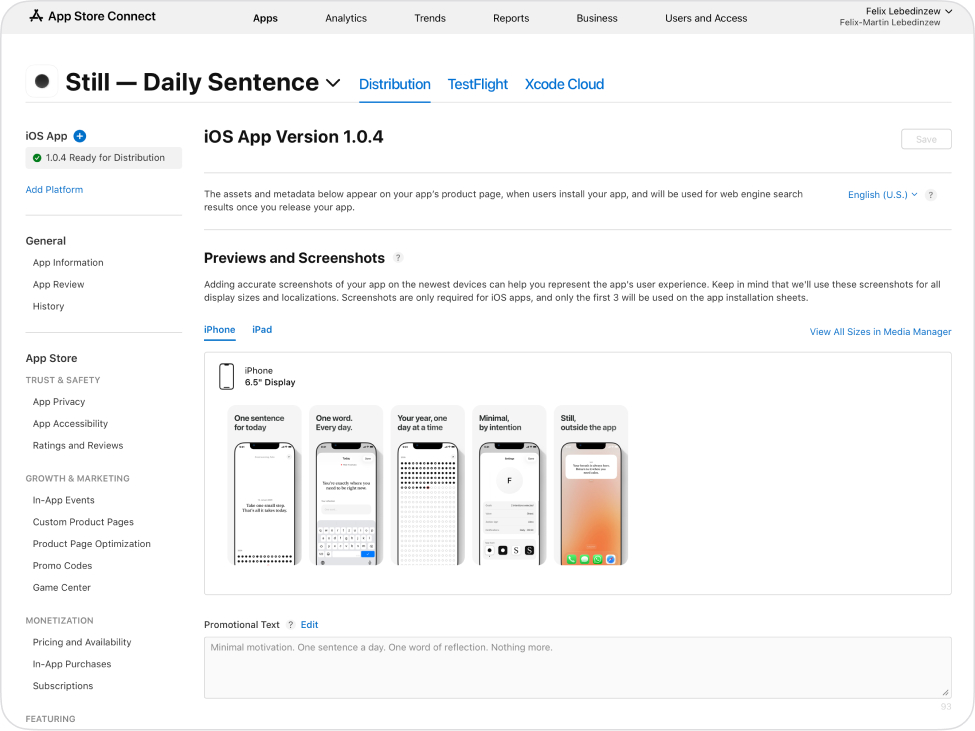
Once the app was stable on my phone, shipping looked like this:
- Archive the build in Xcode
- Upload to App Store Connect
- Fill metadata in English and German
- Create screenshots
- Host legal pages on my website
- Set up TestFlight
If I didn’t know what a field meant, I took a screenshot and asked GPT. That’s how I handled most of App Store Connect.
Then I shared Still with friends and family first via TestFlight.
About 13 people tested it for a few days. Feedback was fast, mostly via WhatsApp. It helped catch issues quickly before going public.
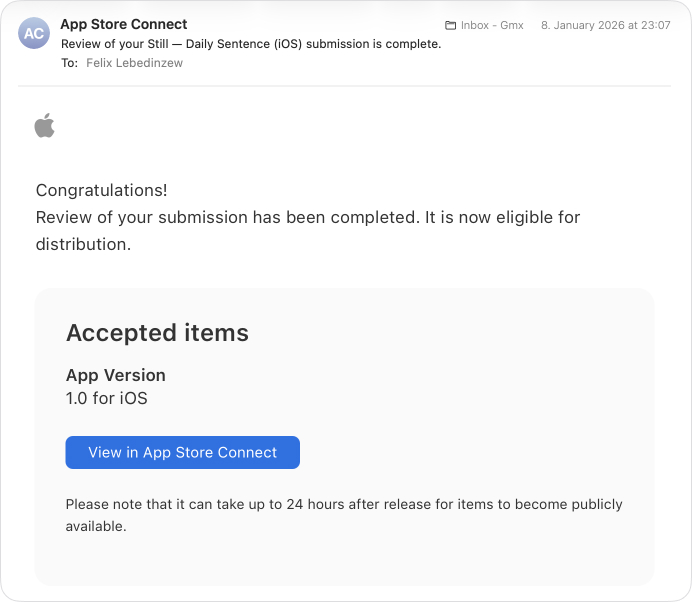
Then I submitted to Apple for review.
The first review took about a day or two.
Once it was approved, I released it manually.
And then it was live.
I hadn’t written Swift code myself.
But I had built a full system by directing the machine precisely and testing relentlessly.
⸻
What happened after shipping
This is where the next hard problem begins.
If software becomes easier to build, distribution becomes the bottleneck.
I tried TikTok. New account, first videos, calm content. One day later I was basically shadow banned. I still don’t know why. The algorithm is unforgiving.
So now I’m exploring distribution as the next design problem.
If you have experience there, I’d genuinely love to hear it.
⸻
and if you have now yet downloaded "Still" check here: https://apps.apple.com/us/app/still-daily-sentence/id6757303042
The process, copy paste version
If you want to replicate it:
1. Install Claude, learn the terminal loop, give permissions early
2. Get Xcode running, use screenshot to GPT to unblock setup fast
3. Write one big prompt that creates the compiling SwiftUI project and core system
4. Set up the paid Apple Developer account early and move to device testing
5. Iterate screen by screen: UX first, then UI and interaction, then edge cases
6. Assume regressions will happen, use GitHub earlier than you think
7. When stuck, force visible debugging and require Claude to validate before you retest
8. Ship: archive, upload, TestFlight, review, release
That’s exactly how Still happened.
Felix
